Easy Setup Guide
For Every Device
Get IndianIPTV running on your device in under 5 minutes. Select your device below and follow the step-by-step instructions.
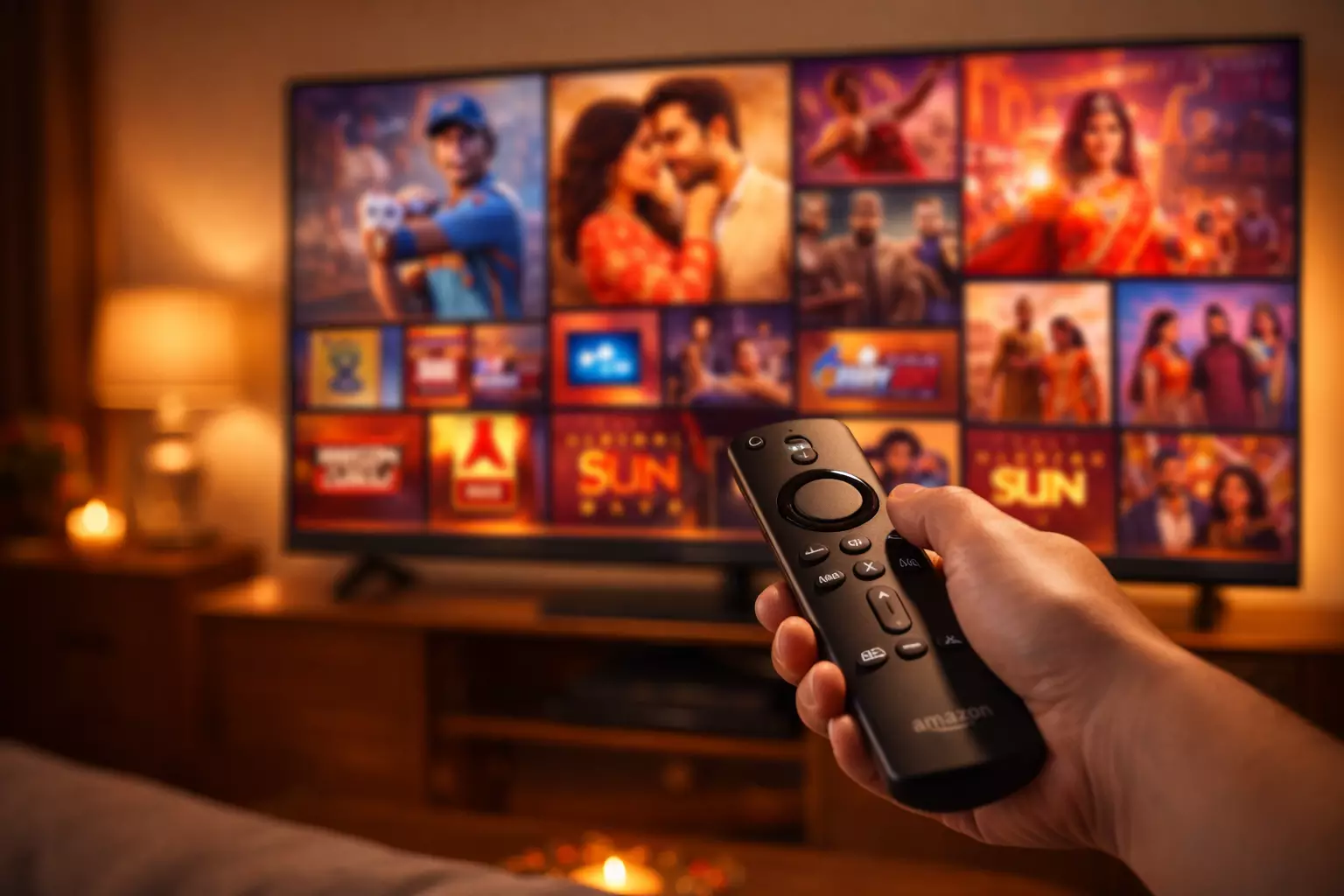
🔥 IndianIPTV on Amazon Firestick
The most popular way to watch IndianIPTV. Firestick offers the perfect balance of price, performance, and ease of use for IPTV streaming.
Enable Unknown Sources
On your Firestick, navigate to Settings → My Fire TV → Developer Options → Install Unknown Apps. Find Downloader in the list and toggle it ON. This allows you to install apps outside the Amazon App Store.
Install Downloader App
Go to the Firestick home screen, select Find → Search, type "Downloader", and install the app from the search results. This is the official sideloading tool.
Download IPTV Player
Open the Downloader app, select the Home tab, and enter the URL for the recommended IPTV player APK (provided in your welcome email). Click GO to download, then click Install.
Launch & Enter Credentials
Open the installed IPTV player app. Select Playlists, tap the + icon, and enter your IndianIPTV playlist URL or M3U link (sent to your email after purchase). Give it a name like "IndianIPTV".
Start Watching!
The channel playlist will load within seconds. Browse by language, category, or use the search function to find your favorite channels. Enjoy 15,000+ channels in HD & 4K quality!
Pro Tip: For the best experience on Firestick, connect via Ethernet using a USB adapter for a more stable connection, or ensure your Wi-Fi signal is strong. A minimum of 5 Mbps is recommended for HD streaming.
📱 IndianIPTV on Android TV
The simplest setup — install directly from the Google Play Store in under 2 minutes.
Open Google Play Store
On your Android TV home screen, open the Google Play Store app. If it's not visible, find it under Apps.
Search for IPTV Player
In the search bar, type "Perfect IPTV Player" or "IPTV Smarters Pro". Select the app from search results.
Install the App
Click Install and wait for the download to complete. Once installed, click Open to launch the player.
Enter Your Credentials
Enter your IndianIPTV login credentials (Username, Password, and Server URL) or M3U playlist URL sent to your email after purchase.
Enjoy Streaming
Browse the full channel lineup, set favorites, and enjoy crystal-clear HD & 4K content on your Android TV!
Pro Tip: TiviMate is an excellent alternative IPTV player for Android TV with a clean EPG (Electronic Program Guide) interface.
🖥️ IndianIPTV on Smart TV (Samsung / LG / Sony)
Watch on your big screen Smart TV from Samsung, LG, or Sony.
Open Your TV's App Store
For Samsung: Open Samsung Smart Hub. For LG: Open LG Content Store. For Sony: Open Google Play Store.
Search for IPTV Player
Search for "Smart IPTV" (Samsung), "SS IPTV" (LG), or "IPTV Smarters" (Sony/Android TVs). Download and install.
Activate the App
Open the IPTV player and note the MAC address displayed on screen. Visit the app's activation website on your phone/PC to link your IndianIPTV playlist.
Load Your Playlist
Enter your IndianIPTV M3U URL or Xtream Codes credentials on the activation page. The channels will load on your TV within seconds.
Start Watching
Use your TV remote to navigate channels, set favorites, and enjoy the complete IndianIPTV experience on the big screen!
Pro Tip: If your Smart TV doesn't support IPTV apps natively, you can use a Firestick or Android TV box connected via HDMI for the best experience.
🍎 IndianIPTV on iPhone / iPad
Watch your favorite Indian channels on the go with iOS devices.
Open the App Store
On your iPhone or iPad, open the App Store.
Search for IPTV Player
Search for "Flix IPTV Player" or "IPTV Smarters Player" or "GSE Smart IPTV". Tap Get to download.
Launch & Configure
Open the IPTV player app. Select Add Playlist or Xtream Codes API option.
Enter IndianIPTV Credentials
Enter your IndianIPTV M3U URL, or your Username, Password, and Server URL provided in your welcome email.
Enjoy on the Go
Browse channels, watch live TV, stream movies, and enjoy IndianIPTV anywhere on your iPhone or iPad!
Pro Tip: Use AirPlay to mirror your iPhone/iPad screen to an Apple TV or AirPlay-compatible Smart TV for a big-screen experience.
📦 IndianIPTV on MAG Set-Top Box
Dedicated IPTV hardware for the most reliable, set-and-forget experience.
Connect Your MAG Device
Unbox your MAG device (MAG544W3, MAG540W3, or MAG555). Connect it to your TV via the included HDMI cable. Plug in the power cable.
Power On
Turn on both your TV and the MAG device. The MAG will boot up and display the setup screen.
Navigate to Portal Settings
Go to Settings → System Settings → Servers → Portals.
Enter Portal URL
In the Portal 1 URL field, enter the IndianIPTV playlist URL provided in your welcome email. Give it a name like "IndianIPTV" in the name field. Click Save.
Restart & Watch
Restart the MAG device. It will automatically connect to the IndianIPTV server and load all channels. Use your remote to browse and enjoy!
Pro Tip: For first-time activation, contact our around-the-clock support team. They may need your MAG device's MAC address for server-side activation.
💻 IndianIPTV on Windows PC
Watch on your desktop or laptop with VLC or a dedicated IPTV player.
Download VLC Media Player
Go to videolan.org and download the latest version of VLC Media Player for Windows. Install it.
Open Network Stream
Launch VLC. Go to Media → Open Network Stream (or press Ctrl+N).
Enter Your M3U URL
Paste your IndianIPTV M3U playlist URL (from your welcome email) into the network URL field. Click Play.
Browse & Watch
VLC will load the playlist. Use View → Playlist to browse channels by category. Double-click any channel to start watching.
Pro Tip: For a better IPTV experience on PC, try dedicated players like IPTV Smarters (Windows version) or MyIPTV Player from the Microsoft Store which offer EPG and favorites.
Need Help With Setup?
Our around-the-clock support team speaks Hindi, Punjabi, Urdu, Bengali & Gujarati. We can guide you through the entire setup remotely.